
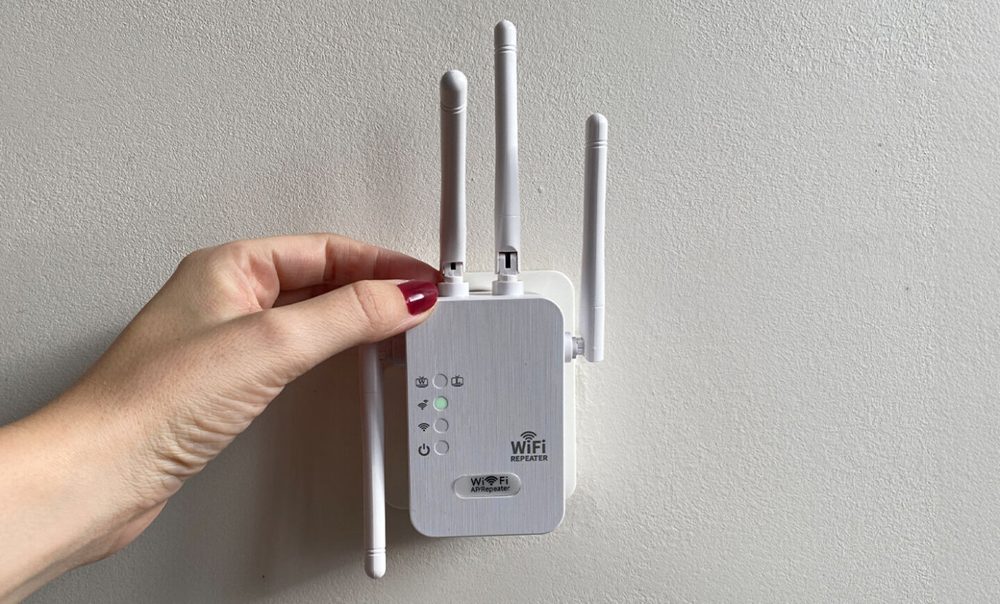
A WiFi dead zone always lands in the worst room, the back bedroom where you take calls, the garage workbench, the patio you actually want to sit on. The router by the front door simply can’t push a clean signal that far through walls and floors.
A good WiFi extender fixes it by rebroadcasting your signal from a closer outlet, and the best WiFi extender does it on dual-band hardware so it doesn’t halve your speed along the way. The catch is that the category is a wall of near-identical white boxes, and the listings blur together on “speed” numbers that don’t tell you how far the thing reaches or how painful setup will be.
We compared the best WiFi extenders of 2026 on what actually matters in a weak room: dual-band coverage, how simple setup is, the wired options, and price. Four earned a spot, and the WiFi Boost Pro is the one we’d plug in first.
The best WiFi extenders of 2026 at a glance
- WiFi Boost Pro: Best overall, dual-band and app-free setup (~$56)
- TP-Link RE315: Best name-brand budget pick (~$25 to $50)
- Netgear EX6120: Simplest dual-band alternative (~$35)
- TP-Link RE705X: Best for Wi-Fi 6 homes (~$130)
1. WiFi Boost Pro: best overall
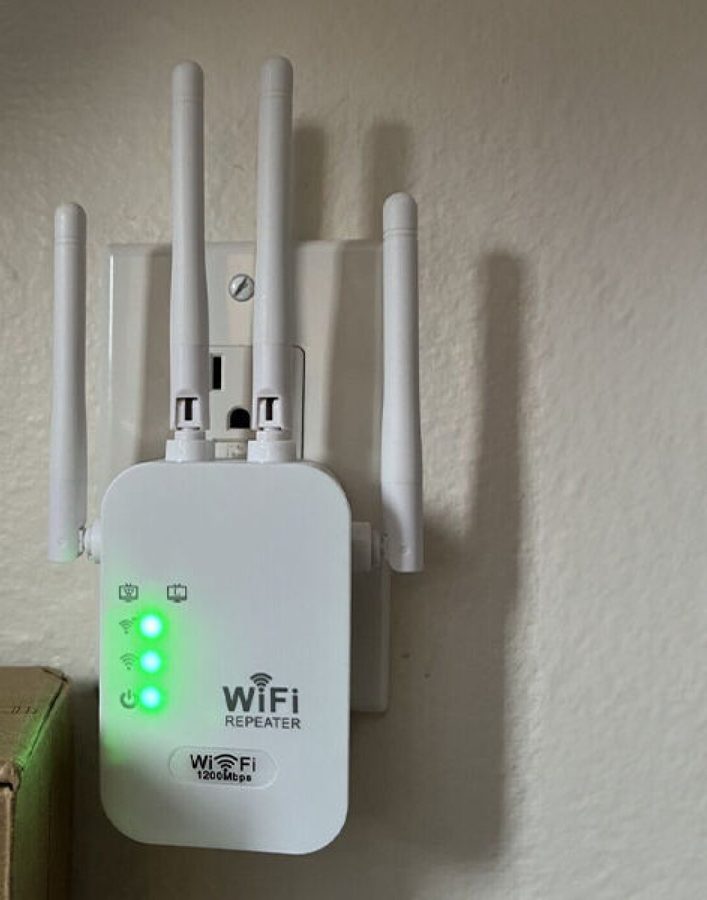
The WiFi Boost Pro takes the top slot because it nails the two things that decide whether a budget extender gets used or returned: it reaches, and it sets up without a fight.
It runs simultaneous dual-band WiFi on 2.4GHz and 5GHz, sits in the 1200Mbps class, and carries four external antennas to hold the link through a wall or a floor. Dual-band is the part that matters for speed: it can backhaul to your router on one band while serving your phone on the other, instead of halving throughput the way a cheap single-band repeater does.
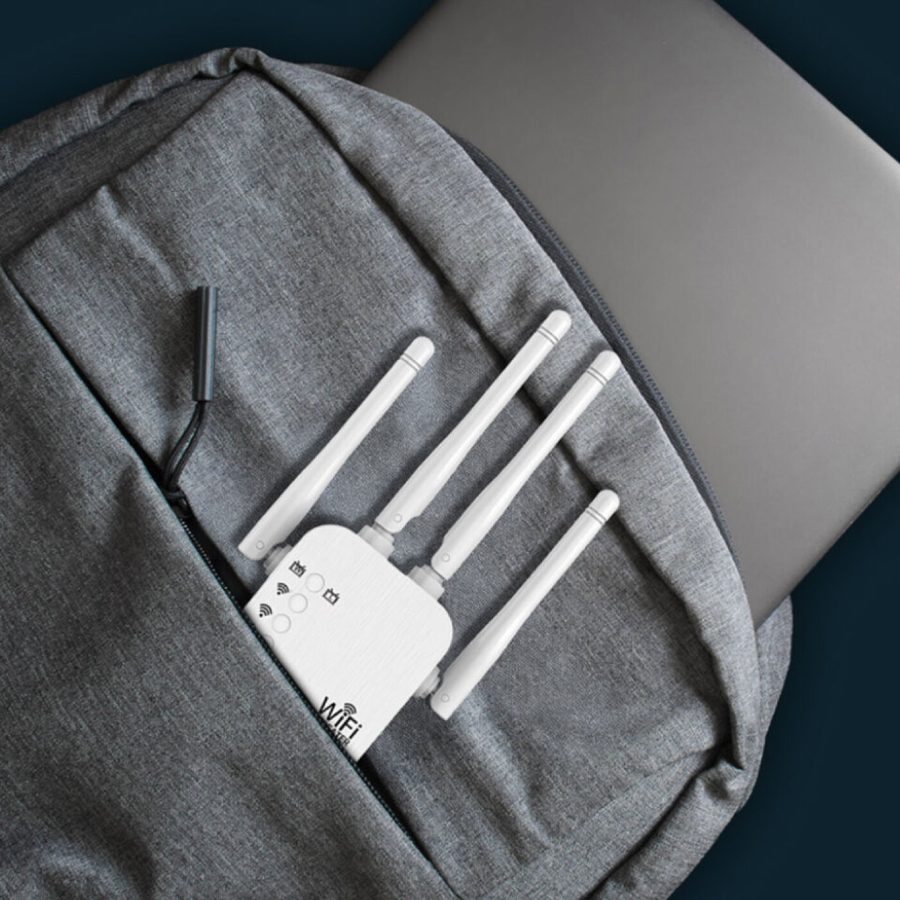
The real separator is setup. There’s no app and no account: you plug it in, connect your phone to its temporary network, and a web page walks you through picking your home WiFi. That’s done in minutes, and it sidesteps the flaky companion apps that make budget networking miserable. It also adds a wired Ethernet port and an AP mode, so a nearby TV can take a cable or you can turn a wired line into a fresh hotspot.
Here’s the honest limit, because we don’t hide them: an extender fixes reach, not your plan’s top speed. If the whole house is slow, that’s a router or plan problem and no repeater helps. What this does is take a room sitting on one bar and fill it in, and the trick is placement, put it halfway to the dead zone, not inside it.
The WiFi Boost Pro runs about $55.99 on the official site, with multi-unit bundles for homes with more than one weak spot, and it’s backed by a 30-day money-back guarantee, so you can test it on your actual dead zone at no risk. Across the maker’s listings it averages 4.7 stars with 97% of reviewers recommending it. We go deeper in our full WiFi Boost Pro review.
What we liked
- Simultaneous dual-band 1200Mbps-class hardware with four antennas
- Phone setup in minutes, with no app and no account
- Wired Ethernet port and an AP mode, not just a basic repeater
- 30-day money-back guarantee to test it in your own dead zone
What we didn't
- Only available online
2. TP-Link RE315
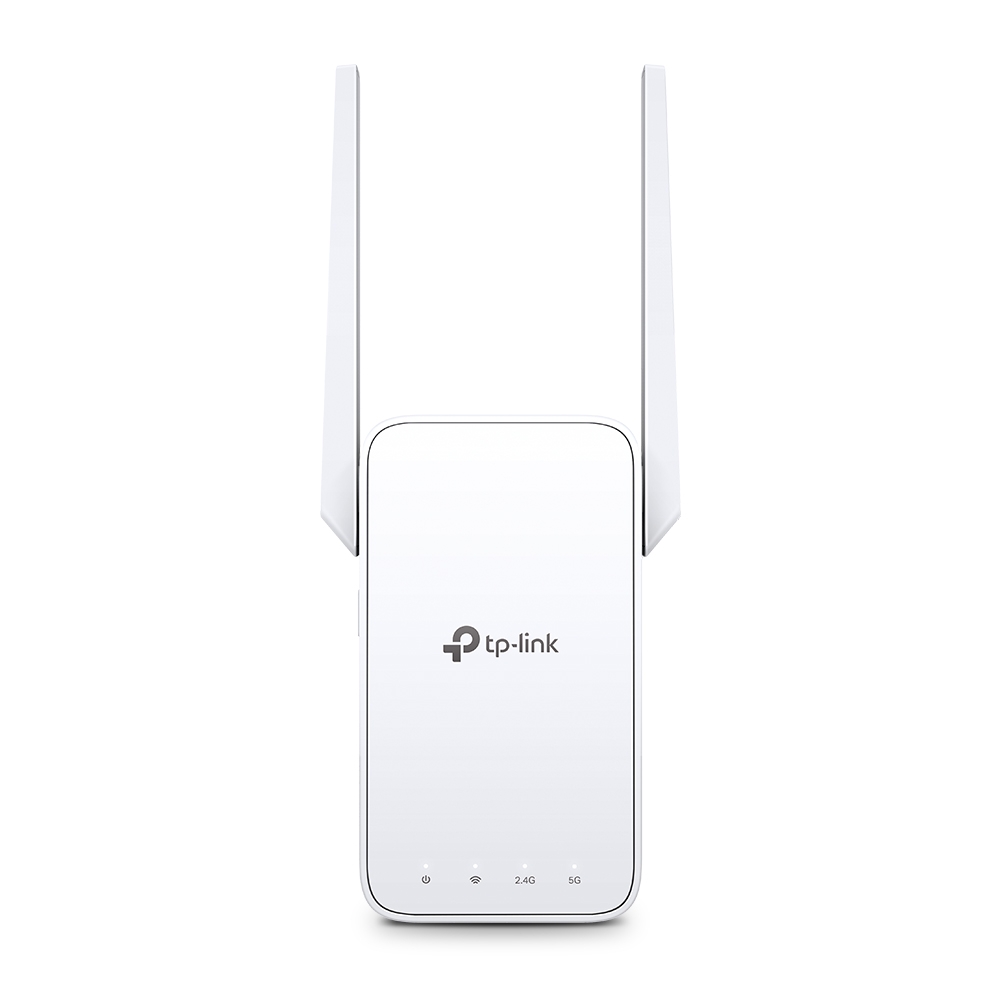
The TP-Link RE315 is the name-brand value pick, and it’s the one to grab if a familiar logo and a long support history matter more to you than app-free setup.
It’s a dual-band AC1200 extender rated at 867Mbps on 5GHz and 300Mbps on 2.4GHz, and TP-Link rates its coverage up to roughly 1,500 sq ft and 30 devices. It supports OneMesh, so paired with a OneMesh router it can act as one unified network rather than a separate extender name. The trade-offs are a 100Mbit Ethernet port rather than gigabit and no Wi-Fi 6, which only matters if you’ve already upgraded your router. Street price swings a lot, often landing between $25 and $50, which makes it a strong budget buy when it’s low. Setup runs through the TP-Link Tether app.
3. Netgear EX6120
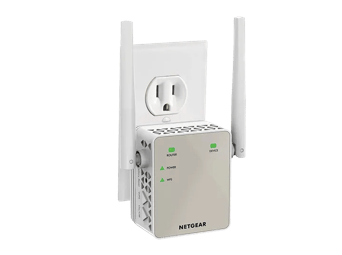
The Netgear EX6120 is the simplest dual-band alternative, and it suits someone who wants a known brand with a no-frills feature set and nothing extra to think about.
It’s a dual-band extender rated in the 1200Mbps class with two external antennas, covering around 1,200 sq ft and up to 20 devices. It does the core job, pushing your signal into one weak room, without OneMesh-style tricks or a wired-to-wireless AP mode. It lands around $35 when it’s on offer. Think of it as the plain, dependable option: fewer features than our top pick, but an established name behind it.
4. TP-Link RE705X
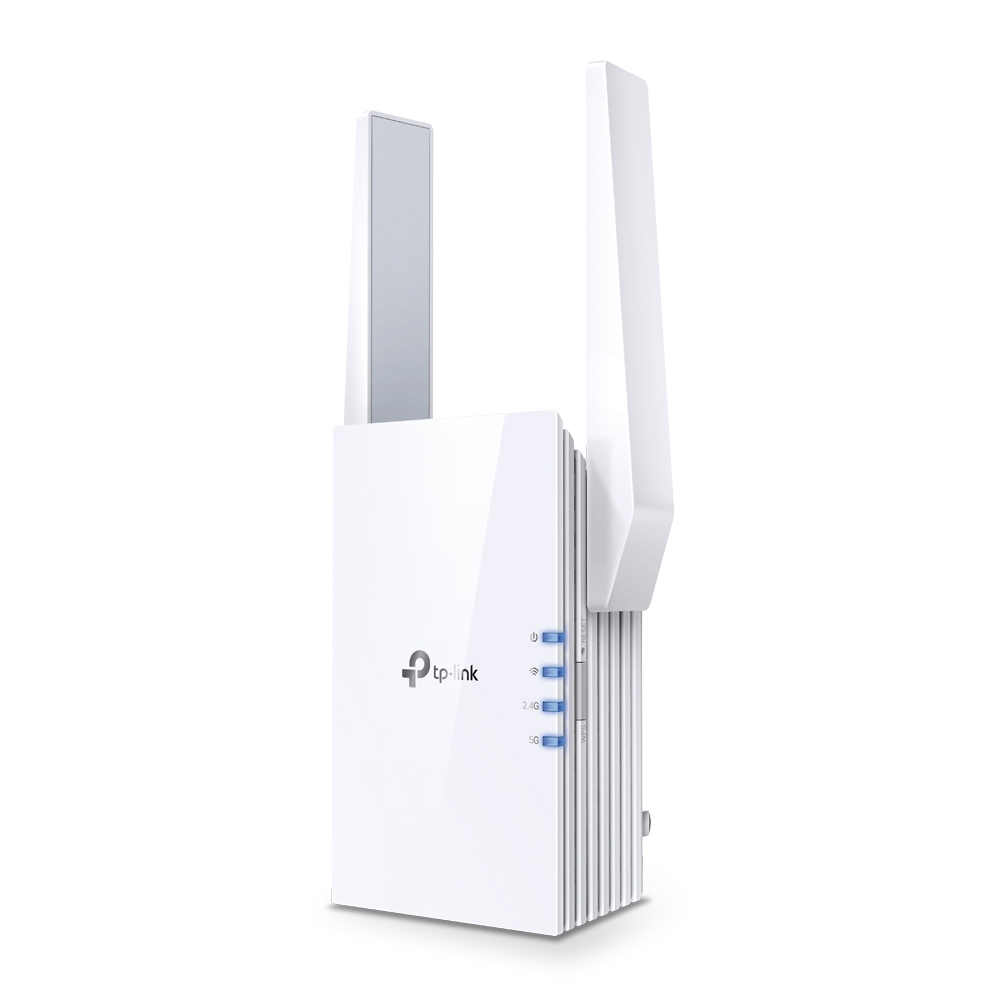
The TP-Link RE705X is the pick for a Wi-Fi 6 home, and it’s the one to buy if you’ve already upgraded your router and don’t want the extender to be the bottleneck.
It’s an AX3000 Wi-Fi 6 extender, so it matches a modern router’s standard and keeps newer phones and laptops at full pace, with a gigabit Ethernet port and a rated range around 110 feet. At roughly $130 it costs more than twice our top pick, which is the whole story here: you only need it if your network is already Wi-Fi 6 and you want to carry that speed into the far room. On an older 2.4/5GHz router, you’re paying for a standard you can’t use yet.
How to choose a WiFi extender
Start with the bands. A dual-band extender is close to mandatory, because a single-band repeater talks to your router and your devices on the same radio and can halve your speed. Every pick here is dual-band for that reason. Match the standard to your router too: a Wi-Fi 6 router pairs best with a Wi-Fi 6 extender, while a standard AC router is fine with an AC1200-class box like our top pick.
Then weigh setup and placement, which trip up more people than specs do. App-free setup, like the WiFi Boost Pro’s, removes a real source of frustration, and placement decides everything: an extender only rebroadcasts the signal it receives, so it belongs halfway between the router and the dead zone, never in the dead zone. Watch the signal LED and nudge it one outlet closer to the router until the light is solid.
Finally, be honest about the job. An extender fixes coverage in one or two rooms, not a slow plan. If every room drags, check why your WiFi is so slow first, since the fix might be your router or provider. And if a wired device sits near the extender, a model with an Ethernet port, like our top two picks, lets it skip the airwaves entirely. Browse the rest of our gear in the tech hub.
FAQ
What is the best WiFi extender in 2026?
For most homes the WiFi Boost Pro is the best overall, a dual-band 1200Mbps-class plug-in that sets up from your phone in minutes with no app. The TP-Link RE315 is the best name-brand budget pick, and the TP-Link RE705X is the one to buy if you own a Wi-Fi 6 router and want to match it.
Does a WiFi extender slow down your internet?
A single-band repeater can halve throughput, because it talks to your router and your devices on the same radio. Dual-band extenders like the WiFi Boost Pro and TP-Link RE315 avoid most of that, using one band to reach the router and the other to serve devices, so the speed hit is small.
Where should I place a WiFi extender?
About halfway between your router and the dead zone, never inside the dead zone. An extender can only rebroadcast the signal it receives, so if it sits where the WiFi is already weak it just repeats a weak signal. Watch its signal LED and move it one outlet closer to the router until the light reads strong.
WiFi extender vs mesh, which is better?
An extender is the cheap, fast fix for one or two weak rooms, often under $60 and running in minutes. A mesh system rewires whole-home coverage with hand-off roaming for a few hundred dollars. If one back room is the problem, an extender wins on cost; if the whole house is patchy, mesh is worth it.
Will any WiFi extender work with my router?
Yes. Every pick here is brand-agnostic and works with any standard router from any provider, because it connects over normal WiFi rather than a proprietary link. You keep your existing router and network name, and the extender simply rebroadcasts that signal further into the house.
The bottom line
The WiFi Boost Pro is the extender to plug in first: dual-band 1200Mbps-class coverage, four antennas, a wired port, and a quick setup that skips the app, all for around $56 with a 30-day guarantee behind it.
Step down to the TP-Link RE315 if you want a name-brand budget box, take the Netgear EX6120 for a plain dependable alternative, and spend up on the TP-Link RE705X only if your router is already Wi-Fi 6. Whichever you pick, place it halfway to the dead zone and the right room finally joins the network. Still diagnosing the problem? Start with our WiFi Boost Pro review and the why is my WiFi so slow guide.
Check the current WiFi Boost Pro price