
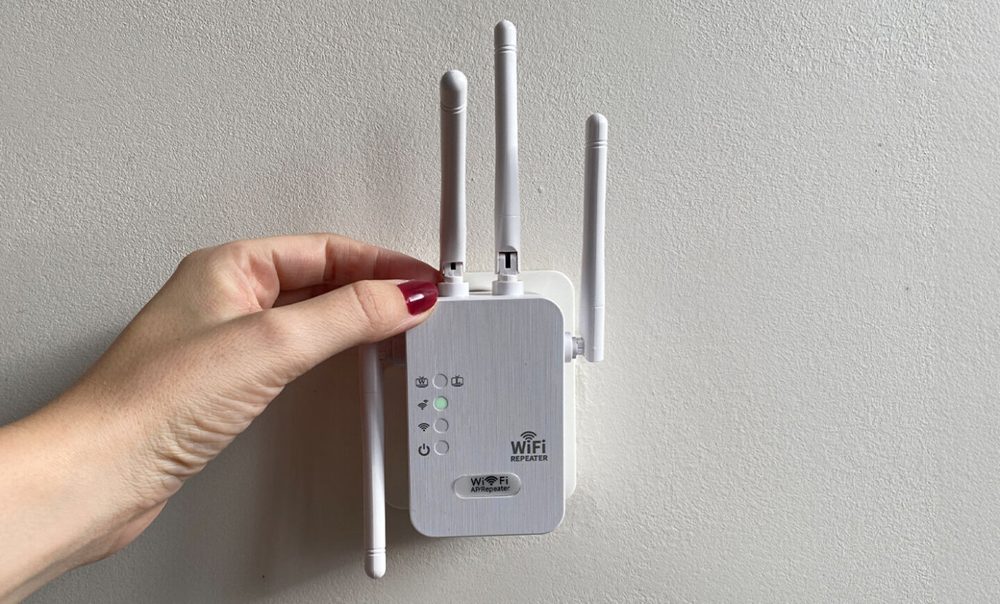
One router sitting by the front door was never going to reach the back bedroom, and no amount of restarting it changes the laws of physics. That’s the dead-zone problem, and it’s why the WiFi Boost Pro exists.
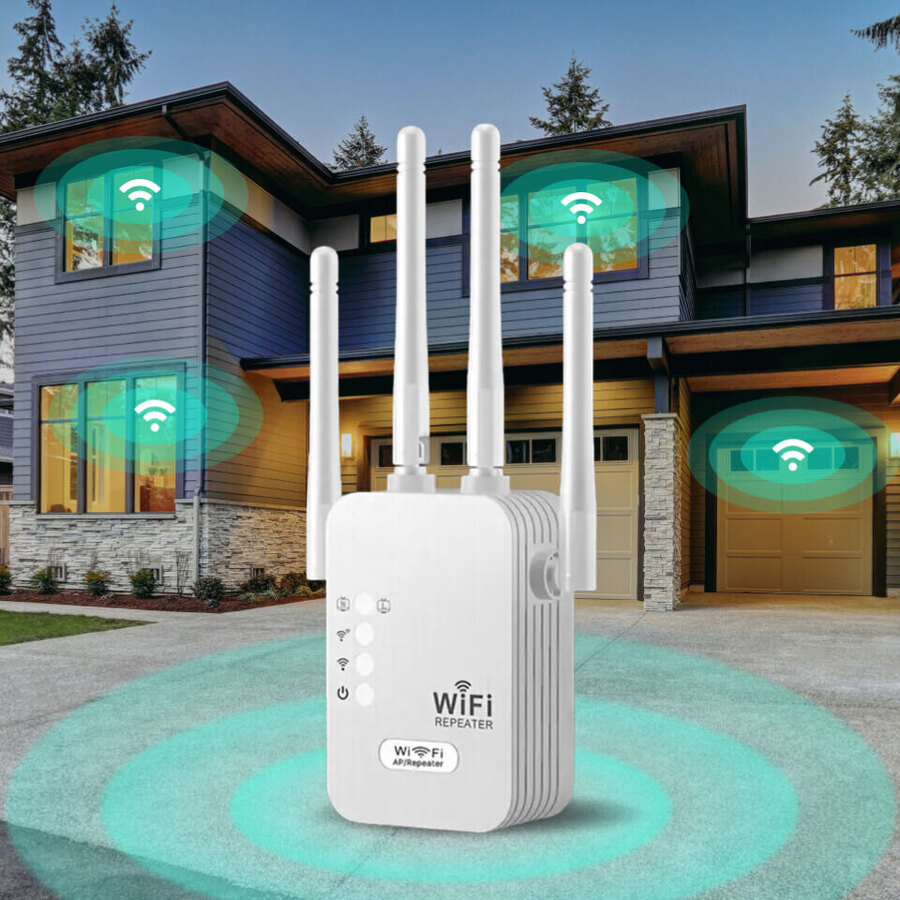
The WiFi Boost Pro is a plug-in WiFi range extender: a small white box with four antennas that takes your router’s signal from a closer outlet and rebroadcasts it into the room that never had bars. You plug it in, pair it from your phone, and the far corner of the house joins the network.
For this WiFi Boost Pro review we read the maker’s specs, checked the price and guarantee, studied how plug-in extenders actually behave, and separated what it genuinely does from what the ads imply. The short version: as a cheap fix for one or two weak rooms, it does the job, and the 30-day money-back guarantee makes it easy to test on your own dead zone.
What the WiFi Boost Pro actually is
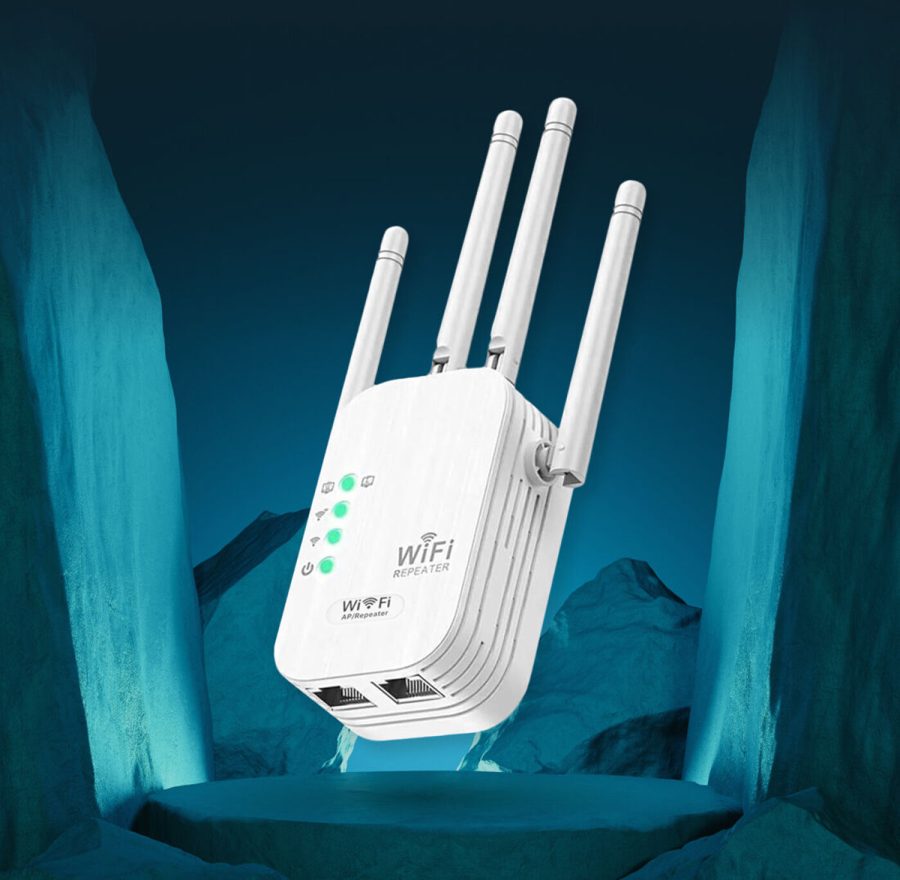
The WiFi Boost Pro is a WiFi repeater, and knowing that is the whole key to using it well. It doesn’t create internet. It grabs the WiFi your router already broadcasts and repeats it from a spot closer to the dead zone, so the signal has a shorter, clearer hop to make.
The box runs simultaneous dual-band WiFi, on the 2.4GHz band for range and the 5GHz band for speed, and the hardware sits in the 1200Mbps class. Four external antennas do the real work of holding that link through a wall or a floor.
Here’s the honest framing, because it decides whether you’ll be happy. An extender fixes reach, not your plan’s top speed. If one room is starved while the rest of the house is fine, this is the right tool. If every room is already slow, the problem is your router or your plan, and no repeater fixes that.
Key features and specs
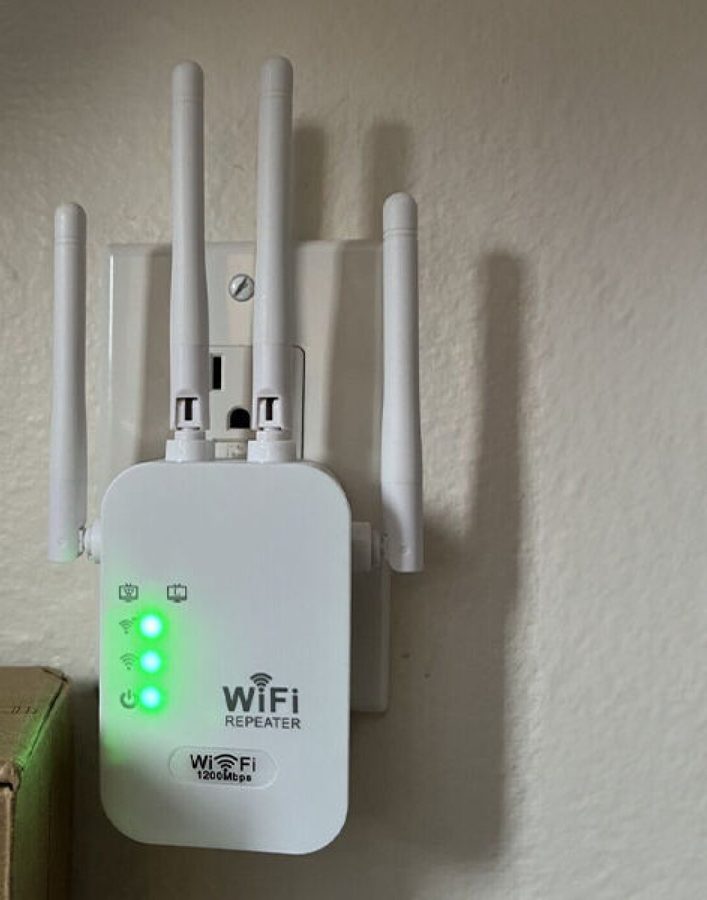
It plugs straight into a wall outlet with no cables to run, and the row of LEDs on the front tells you how strong the link back to your router is. Walk it one outlet closer until the signal light goes solid, and you’ve found its spot.
It carries four external antennas, runs two connection modes, Repeater to extend your WiFi and AP to turn a wired line into a fresh hotspot, and includes a wired Ethernet port so a smart TV or console near the extender can take a cabled connection instead of fighting for airtime.
| Spec | Detail (per the maker) |
|---|---|
| Type | Plug-in dual-band WiFi range extender / repeater |
| Bands | Simultaneous 2.4GHz + 5GHz |
| Speed class | 1200Mbps rated |
| Antennas | 4 external |
| Modes | Repeater (extend WiFi) and AP (wired to wireless) |
| Wired port | Ethernet for a nearby device |
| Setup | Phone-based, no app, done in minutes |
| Guarantee | 30-day money-back guarantee |
The unit is compact enough that its antennas clear a standard outlet, and the maker’s guidance is the usual extender rule: place it roughly halfway between the router and the dead zone, not inside the dead zone itself.
Setting it up
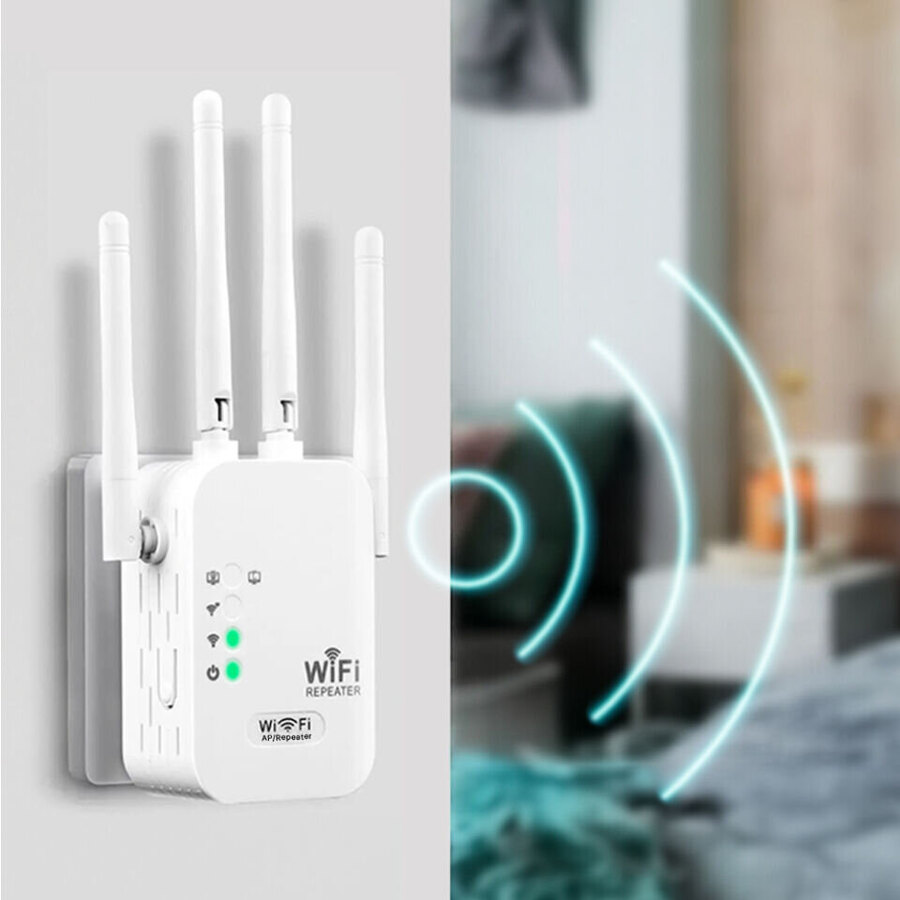
Setup is the part people dread with network gear, and this is where the WiFi Boost Pro keeps things simple. You plug it in, open your phone’s WiFi list, tap the extender’s temporary network, and a setup page walks you through picking your home WiFi and entering the password once.
There’s no app to download and no account to make, which matters more than it sounds. Half the frustration with budget network kit is a flaky companion app, and skipping it removes a whole category of headaches.
The insider tip the box won’t tell you: don’t plug it in next to the weak spot and expect magic. It can only repeat the signal it receives, so if it’s sitting in the dead zone it just rebroadcasts a weak signal. Move it one outlet at a time toward the router until the signal LED reads strong, then stop. That single habit is the difference between a reader who loves it and one who returns it.
The price, the guarantee, and who it’s for
The WiFi Boost Pro runs about $55.99 on the official site, and multi-unit bundles drop the per-unit price if you’ve got more than one dead zone to cover. For a box that saves you from a mesh upgrade, that’s an easy number to stomach.
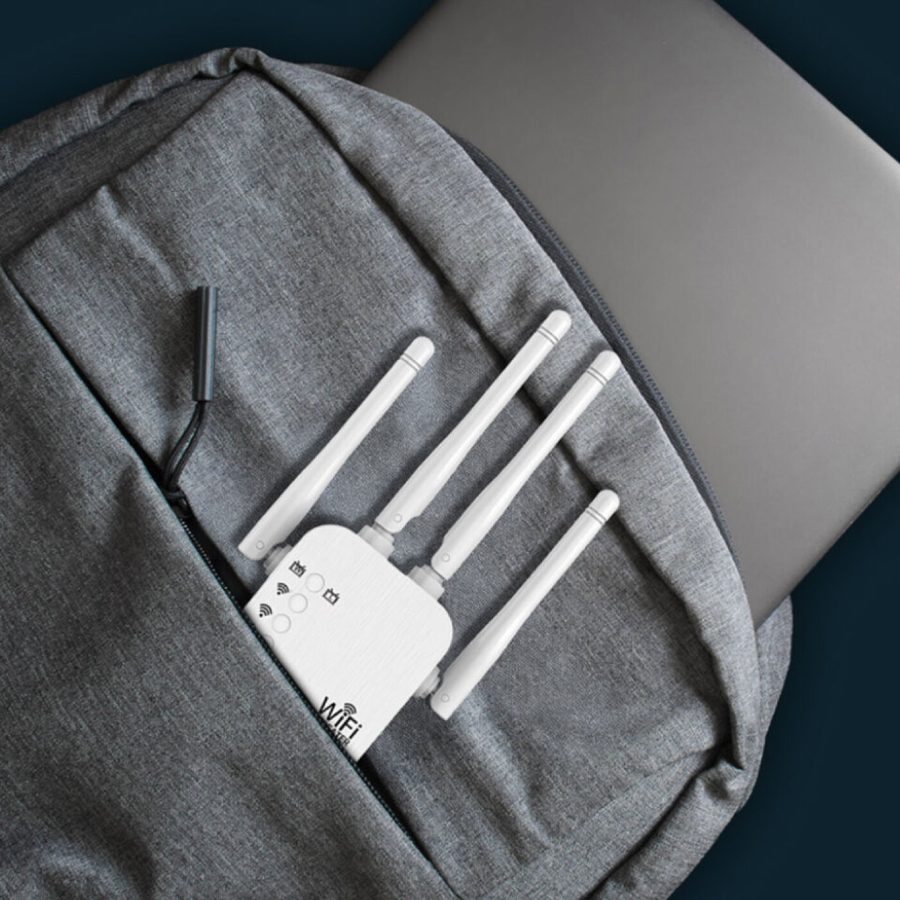
The guarantee is the safety net that makes it low-risk. It’s backed by a 30-day money-back guarantee, so you can plug it into your actual problem room, watch whether the bars fill in, and send it back if your walls beat it. It’s also small enough to drop in a bag, which is why travelers use one to turn a hotel’s wired port into a private hotspot.
Across the maker’s listings the extender averages 4.7 stars over roughly 1,900 reviews, and 97% of reviewers say they’d recommend it. Those are brand-published numbers rather than independent lab tests, so read them as encouragement and let the 30-day window be the real test.
Check today's WiFi Boost Pro priceHow it compares
The honest field splits into cheap plug-in extenders, name-brand extenders, and whole-home mesh. Against a TP-Link RE315 or a Netgear EX6120, the WiFi Boost Pro plays in the same dual-band extender class and sets up without a brand app, which is its real edge for non-technical buyers.
Against a mesh system like Eero or a TP-Link Deco, mesh wins on whole-home roaming you don’t notice, but it costs far more and is overkill when a single room is the issue. We line all of these up in our best WiFi extender guide, and if you’re not yet sure a dead zone is even your problem, start with why your WiFi is so slow.
The thing worth repeating: every extender in this price range lives or dies on placement. Put any of them in the dead zone and they disappoint. Put them halfway and they shine.
Pros and cons
What we liked
- Dual-band 1200Mbps-class hardware with four external antennas to hold the link through walls
- Phone-based setup in a couple of minutes, with no app to install and no account to create
- A wired Ethernet port and an AP mode, so it does more than a basic repeater
- A 30-day money-back guarantee, so you can test it in your actual dead zone
What we didn't
- Only available online
Who it’s for
If one or two rooms drop to a single bar while the rest of the house is fine, the WiFi Boost Pro is the quick, cheap fix, and it’s an easy one to live with because setup doesn’t fight you. It suits renters, travelers, and anyone who wants the back bedroom to just work without paying for a mesh overhaul.
Look elsewhere if your whole home is slow, which points at your router or your plan, or if you want roaming that follows you room to room without a hitch. That’s a mesh job, at a mesh price.
For the full field, our best WiFi extender roundup ranks it against the name brands, and our why is my WiFi so slow guide helps you confirm the cause before you buy. There’s more gear in the tech hub.
Verdict
The WiFi Boost Pro earns a 9.1. Taken for what it is, a plug-in dual-band extender that carries your signal into the one room that never had it, it does that job for about $56 with four antennas, a wired port, and setup simple enough that you’re online in minutes.
Plug it in halfway to the dead zone, let the signal light go solid, and the 30-day guarantee stands behind the rest, which is the low-risk way to find out if the back bedroom can finally join the network.
See today's WiFi Boost Pro price