
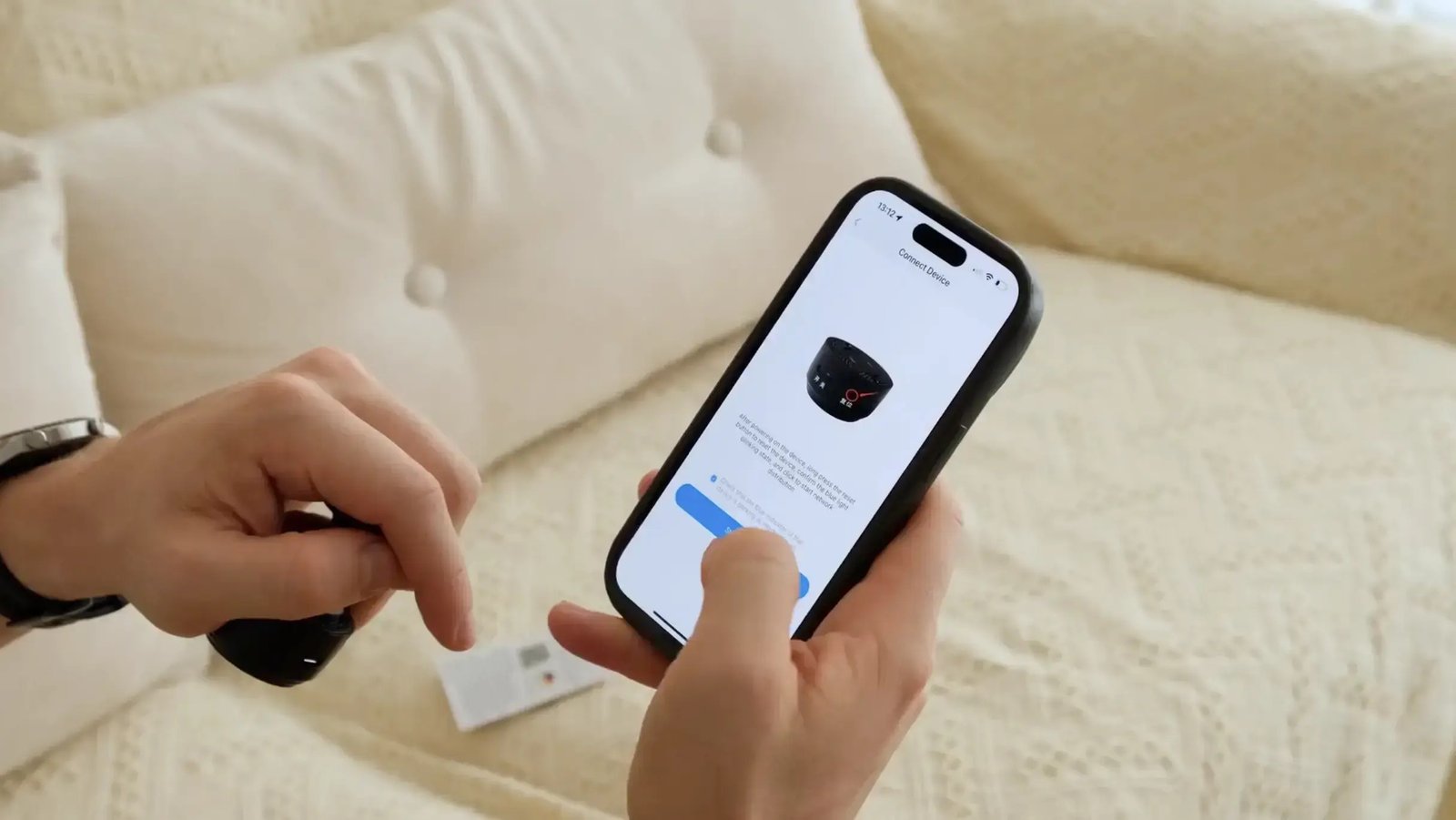
The cheapest part of most security cameras is the camera. The part that adds up is the monthly fee just to see what it recorded. The Home Defender Cam is pitched at people who are tired of that second bill.
It’s a $39.99 mini WiFi camera that’s built to record to a local SD card with no subscription, so the footage lives on hardware you own and there’s nothing to pay after checkout.
For this Home Defender Cam review we read the full spec sheet, lined it up against the budget cameras you already know, and weighed the low price against what a no-name product asks you to trust. We didn’t install one ourselves, so this is research and analysis of the maker’s claims.
What the Home Defender Cam actually is
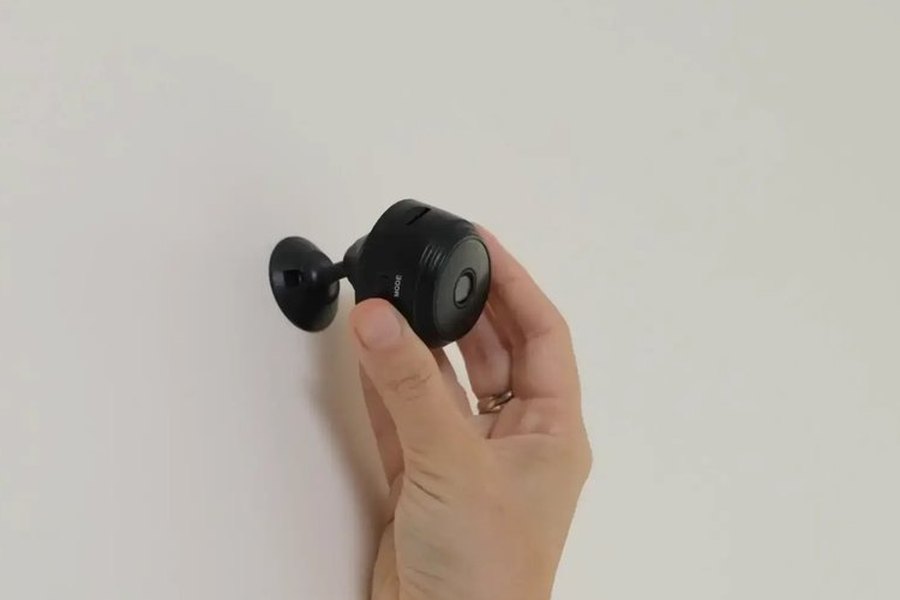
The Home Defender Cam is a compact, magnetic-mount WiFi camera you set up by scanning a QR code to download its app. The maker advertises a few-minute setup with no technical skill needed.
On paper the spec list is what you’d expect from a modern budget cam: 1080p HD video, a 150-degree wide-angle lens, infrared night vision, motion detection with push alerts, and two-way audio. Those are the manufacturer’s stated specs.
The headline feature is the business model. It’s built to record to a local microSD card with no monthly fee, so unlike a subscription camera, you’re not paying to watch your own footage.
How it compares to the budget names
Here’s the context the sales page leaves out, so we put the real numbers side by side. At about $39.99, the Home Defender Cam is priced right in the budget-camera pack, so what matters is what you give up or gain against the brands with a track record.
| Camera | Price | Resolution | Recording | Subscription |
|---|---|---|---|---|
| Home Defender Cam | ~$39.99 | 1080p (advertised) | Local SD card | None advertised |
| Wyze Cam v4 | $44.98 | 2.5K | microSD | Cam Plus ~$2.99/mo for AI |
| Blink Mini 2 | $39.99 | 1080p | With Sync Module | ~$3/mo for cloud clips |
| Tapo C120 | $39.99 | 2K | Free microSD | Optional |
The honest read: Wyze and Tapo deliver sharper 2K-class video at a similar price, and all three are established brands with years of reviews. The Home Defender Cam’s case is the low sticker price with no recurring fee advertised, which is a real draw if a subscription is the thing you’re trying to avoid.
Local recording and no monthly fee

The reason to look at this camera over a Ring or a Blink is the ongoing cost, or the lack of one. The Home Defender Cam is advertised to save video to a microSD card you own, so there’s no cloud plan standing between you and your own clips.
That also keeps the footage in your home rather than on a company’s servers, which some buyers prefer on privacy grounds. You pop the card to review recordings.
Over a few years, a subscription camera’s fees can quietly cost more than the camera itself. A no-fee camera sidesteps that entirely, and for a simple set of eyes on a doorway or driveway, that math is the whole pitch.
What to know before you buy
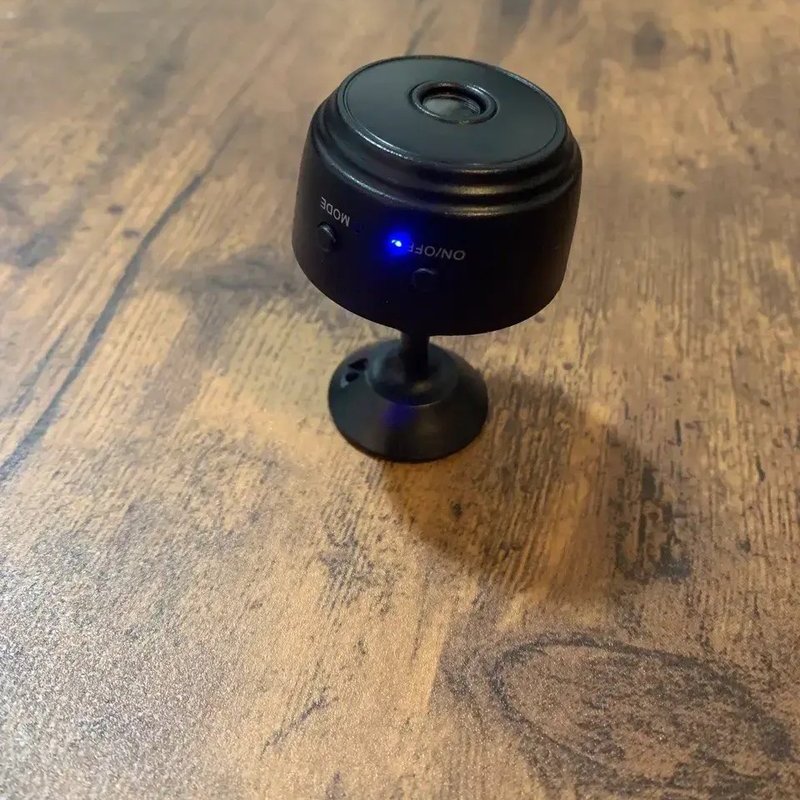
Be clear-eyed about what a sub-$40 camera is. The Home Defender Cam is a newer direct-response product rather than an established platform with a decade of updates and a mature app, so its specs are the maker’s own claims rather than a long public track record.
That’s exactly what the 30-day money-back guarantee is for. The smart play is to buy one, set it up in the actual spot you have in mind, and confirm the live view, the night vision, and the motion alerts hold up for your space inside the window.
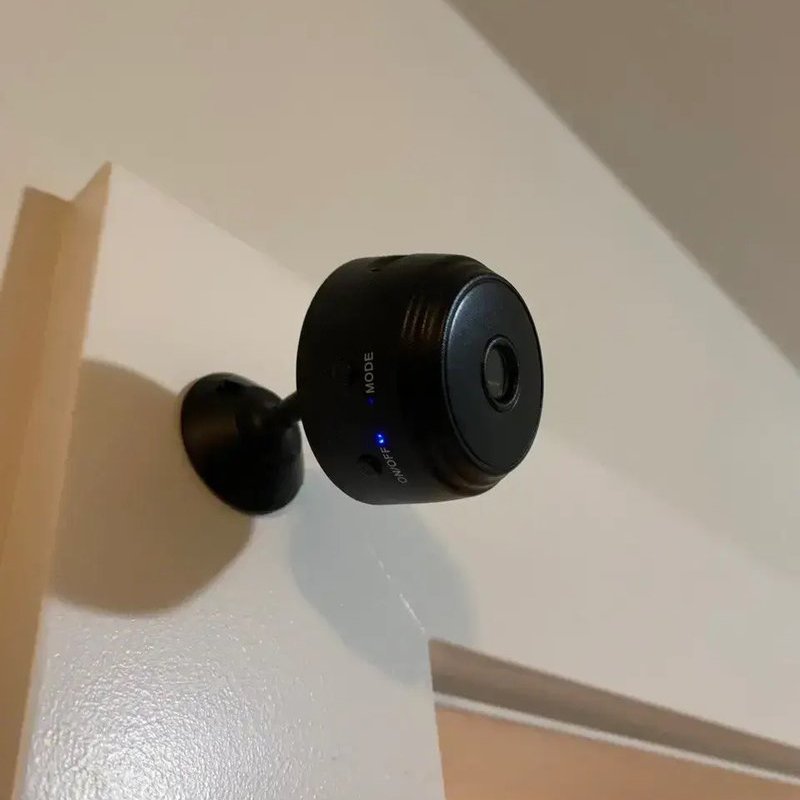
If you’re placing it outdoors, keep it somewhere sheltered from direct rain like a covered porch or eave, as you would any budget camera.
How it compares to Ring
For the full head-to-head, we put it against the subscription giant in Home Defender Cam vs Ring, which breaks down the upfront price, the monthly fees, and how each one stores video. The short version: Ring wins on ecosystem, app polish, and track record, while the Home Defender Cam wins on a lower sticker price and no subscription to see your own footage.
While you’re hardening the home, our roundup of the best personal safety alarms of 2026 and our invisaWear vs bSafe comparison round out the personal-safety side, and the home hub covers the rest.
Check today's Home Defender Cam pricePros and cons
What we liked
- About $39.99, undercutting most established budget cameras up front
- Built to record to a local SD card with no monthly fee advertised
- Advertised 1080p video, a 150-degree lens, night vision and two-way audio
- Quick QR-code app setup and a 30-day money-back guarantee to test it
What we didn't
- Only available online
Who it’s not for
If you want the sharpest image and a proven platform, a 2K camera from an established brand like Wyze or Tapo gives you more resolution and a longer track record at a similar price. If you want a full connected-home ecosystem with Alexa and years of support, Ring earns its premium.
But if your goal is the cheapest subscription-free way to put eyes on a doorway or driveway, with footage saved locally and a guarantee to test it, the Home Defender Cam is a sensible budget pick. More home picks live in the home hub.
Verdict
The Home Defender Cam earns a 9.0. It does one job and keeps it simple: a cheap WiFi camera that records locally with no monthly fee, so there’s no subscription standing between you and your own footage. At $39.99 with a 30-day guarantee, it’s a low-risk way to add a camera.
Go in knowing it’s a newer direct-response product, so you’re trusting its advertised specs and the guarantee rather than a decade of reviews, and that pricier brands offer sharper 2K video. If a no-fee, no-fuss camera for a doorway is what you’re after, the Home Defender Cam delivers exactly that.
See today's Home Defender Cam price