
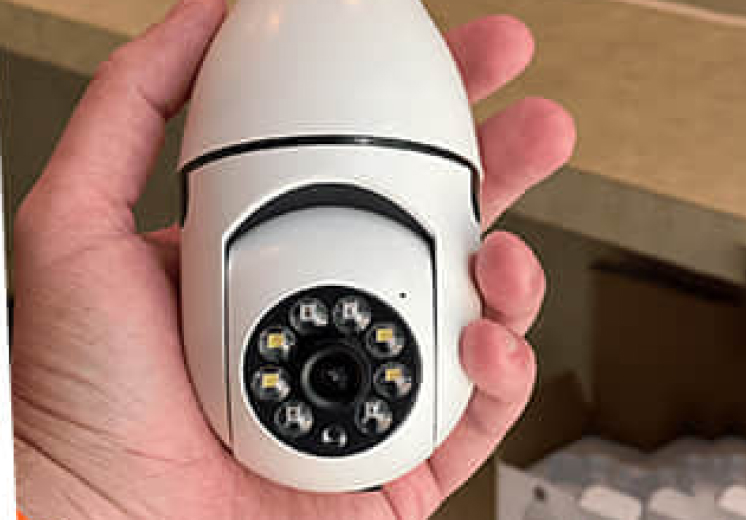
The hardest part of home security isn’t the camera, it’s the install. Drilling mounts, running wires, charging batteries, and then paying a monthly cloud fee forever is enough to make most people leave the box unopened. Renters often can’t drill at all.
The SafeCam360 skips all of it by screwing into a light-bulb socket. It’s a WiFi security camera shaped like a bulb that pans a full 360 degrees from your phone, with no wiring and, per the seller, no monthly fees. We lay out where it fits in our best light bulb security camera roundup, and this review covers it on its own.
We researched the SafeCam360 by reading its official listing in full, checking how bulb-socket cameras actually work, and weighing buyer feedback. We didn’t install one ourselves, so every claim here is sourced and, where the seller stays vague, we say so.
What SafeCam360’s own listing actually claims (and skips)
Here’s the original element most reviews skip: we read the SafeCam360 sales page in full on November 17, 2026, and separated what it actually promises from what it carefully leaves unstated. That gap is the honest buyer’s map.
| What the listing claims | What it leaves unstated |
|---|---|
| ”Crystal Clear HD” video | No resolution number (1080p/2K) anywhere |
| 360° pan, “capture an entire room” | Real coverage depends on where one bulb sits |
| ”No monthly fees,” up to 5GB free cloud | SD card for local storage sold separately |
| 90-day money-back guarantee | Return conditions and shipping not detailed |
| ”4.8/5 from 21,392+” customers | Seller-hosted, not independently verified |
None of that makes it a bad buy. It means you should buy it for what it is: a no-wiring, no-fee socket camera with a money-back window, not a spec-sheet champion.
Why choose the SafeCam360
What we liked
- Screws into a light socket in minutes, with no wiring, drilling, or batteries
- Pans a full 360 degrees from the app, with infrared night vision and motion alerts
- Seller includes up to 5GB free cloud plus a microSD slot, with no monthly fee
- Around $44.99 with a 90-day money-back guarantee to test it in your own room
What we didn't
- Only available online
Who the SafeCam360 is for
Buy the SafeCam360 if you’re a renter or a first-time buyer who wants a camera up today without tools, landlord permission, or a subscription. Screwing into an existing socket is the whole appeal, and the 90-day money-back window makes it low-risk to try in a specific room.
It’s not for you if you need a guaranteed, gap-free security system with a published resolution spec and professional monitoring. This is a simple, affordable deterrent and viewer, not a replacement for a wired multi-camera setup.
Check today's SafeCam360 priceWhat the SafeCam360 actually is
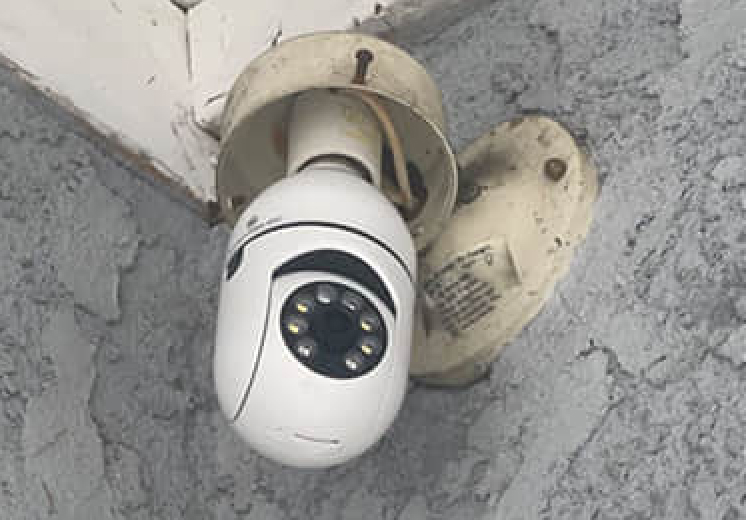
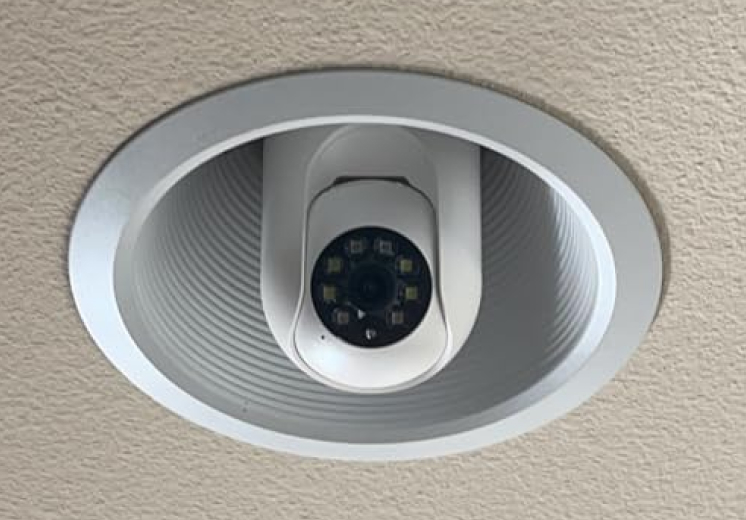
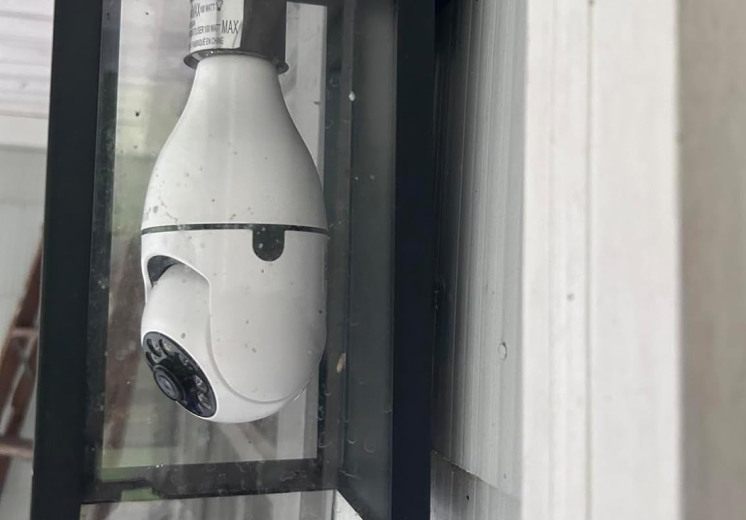
The SafeCam360 is a WiFi security camera built into a light-bulb shape that threads into a standard E26/E27 socket. Power comes straight from the socket, so there’s nothing to wire and no battery to recharge. That socket-powered design is the single reason it installs in minutes.
The camera head pans a full 360 degrees and tilts, controlled from a free app, so one bulb can sweep a whole room or yard instead of staring at one fixed angle. The seller frames this as covering “an entire room from all angles,” which is fair as long as you remember the view still depends on where that one socket sits.
It pairs over 2.4GHz WiFi by scanning a QR code, and the app supports multiple users, so a household can share the feed.
The features that matter
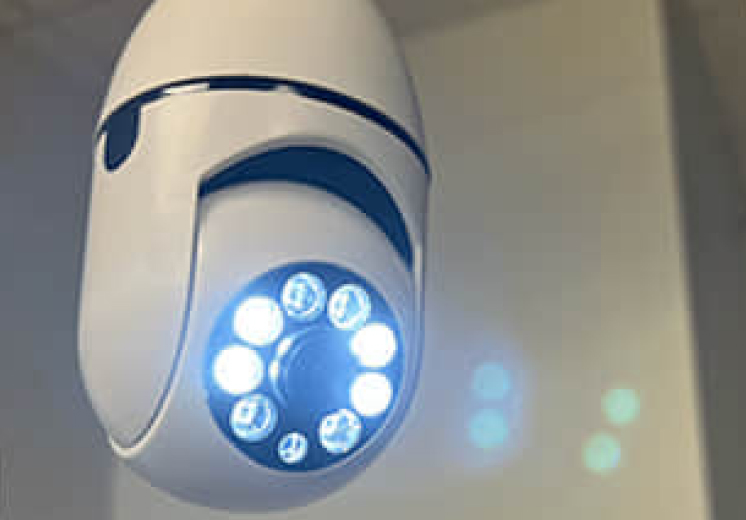
A few features carry this camera, and they’re the ones to weigh.
Infrared night vision runs off eight IR LEDs, so the feed keeps working after dark, which is when most people actually want a security camera. Motion detection sends real-time alerts to your phone and can trigger an on-device alarm, turning the camera from a passive recorder into something that pings you the moment something moves.
Two-way audio lets you hear and talk through the app, useful for telling a delivery driver where to leave a box. The seller lists it as weatherproof but advises placing it in a covered spot, so treat it as a porch-and-carport camera, not a fully-exposed-wall one.
Storage and cost, the honest version
The money question is where bulb cameras usually hide a catch, so here’s the straight read. The seller advertises no monthly fees and bundles up to 5GB of free cloud storage in the app, which is genuinely rare in a category built on subscriptions.
The asterisk: that free cloud is capped, and the microSD card for local recording is sold separately. When storage fills, the camera overwrites the oldest clips like a DVR. So budget a few dollars for an SD card if you want rolling local footage, and treat the free tier as a starting point rather than unlimited, permanent storage.
The camera itself runs around $44.99 on the official site. The listing shows a permanent-looking “50% off” badge, so don’t buy on urgency; buy because the no-wiring, no-fee design fits your place.
What buyers say
On the brand’s own site the SafeCam360 carries a 4.8 average from more than 21,000 customers. That’s seller-hosted social proof, not an independently verified rating, so weigh it accordingly rather than treating it as a lab result.
Read past the number and the design is the real story: a camera that screws into a socket and runs from your phone is about as simple as home security gets. The realistic expectation is a convenient camera for keeping an eye on a room, entry, or yard, with daytime video and working night vision, as long as your 2.4GHz WiFi reaches the socket.
How it compares
The SafeCam360 sits against better-known bulb cameras like the Wyze Bulb Cam, which publishes a 2K resolution spec and comes from an established brand. If a stated resolution figure and a long track record are what you want, those names deliver them, and often at a similar price.
Where the SafeCam360 competes is the package a beginner cares about: socket-simple install, no monthly fee, and a 90-day money-back trial. We line the field up, including who each camera suits, in our best light bulb security camera roundup, and our Home Defender Cam vs Ring comparison covers the wired-brand side of home security.
How to set it up well
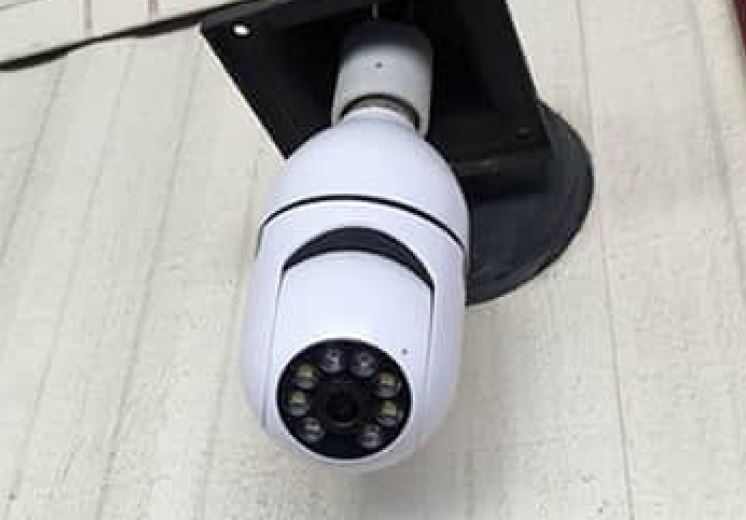
Two placement tips save most of the headaches. First, confirm your 2.4GHz WiFi reaches the socket before you mount it, since a weak signal is the number-one complaint with any bulb camera. Second, pick a covered socket under an eave, in a porch fixture, or in a ceiling light so the camera gets a wide view while staying out of direct rain.
Verdict
The SafeCam360 nails the job it’s built for: getting a working camera up in minutes, with no wiring, no drilling, and no monthly bill. The 360-degree pan covers a room from a single socket, infrared night vision keeps it useful after dark, and the free-cloud-plus-SD setup skips the subscription most rivals lean on.
Buy it as the simple, affordable socket camera it is, add a microSD card for rolling footage, and mount it in a covered spot within reach of your 2.4GHz WiFi. The 90-day money-back guarantee means you can test the coverage in your own home and return it if the angle doesn’t work. For the full field and who each pick suits, see our best light bulb security camera roundup, and more home picks live in the home hub.
See today's SafeCam360 deal